

Prerequisites
- A Slack workspace where you can install apps, or admin approval to do so.
- A Sixtyfour account with credits.
Install the app
1
Open the install URL
Visit app.sixtyfour.ai/install-slack to start the Slack authorization flow.
2
Select a workspace and review permissions
On the Allow the “Sixtyfour” app to access Slack screen, pick the target workspace and review the requested access.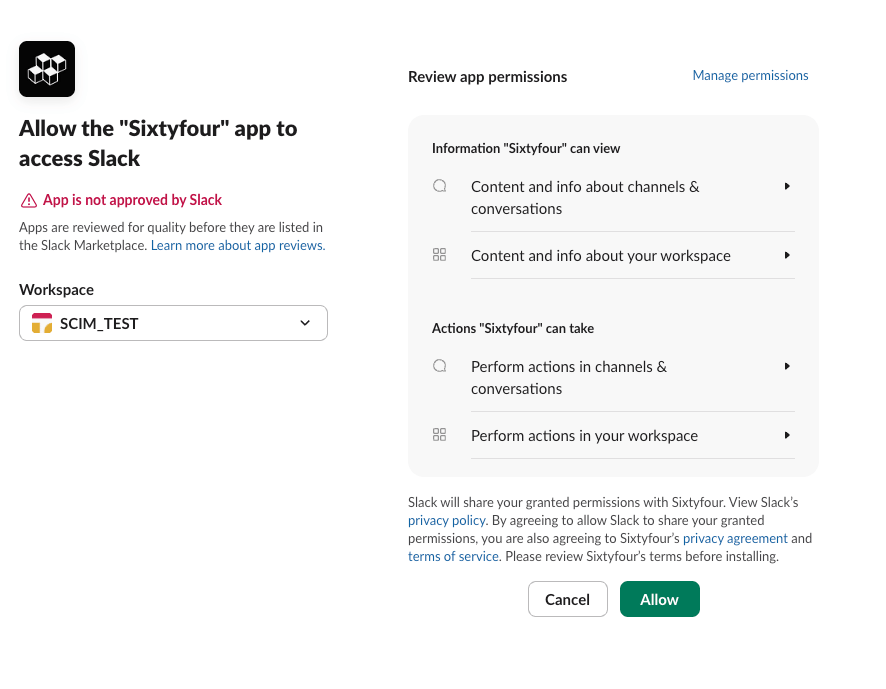
- Content and info about channels and conversations
- Content and info about your workspace
- Permission to perform actions in channels and conversations
- Permission to perform actions in your workspace
3
Confirm Sixtyfour appears under Apps
In Slack, expand Apps in the sidebar and check that Sixtyfour is listed.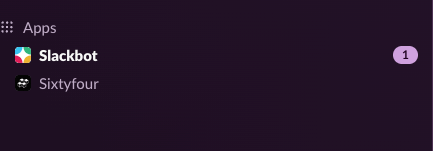
4
Link your Sixtyfour account
The first time you use the bot, it sends you a DM with a one-time link. Open it and sign in to Sixtyfour so requests bill to your account. If the link expires, mention the bot again to get a new one.
5
Add the bot to a channel
Mention 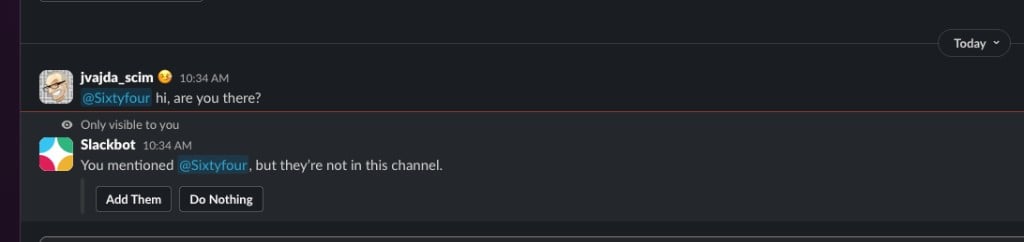
@Sixtyfour in a channel and click Add Them when Slackbot prompts you, or run /invite @Sixtyfour.6
Run an intelligence enrichment
Mention 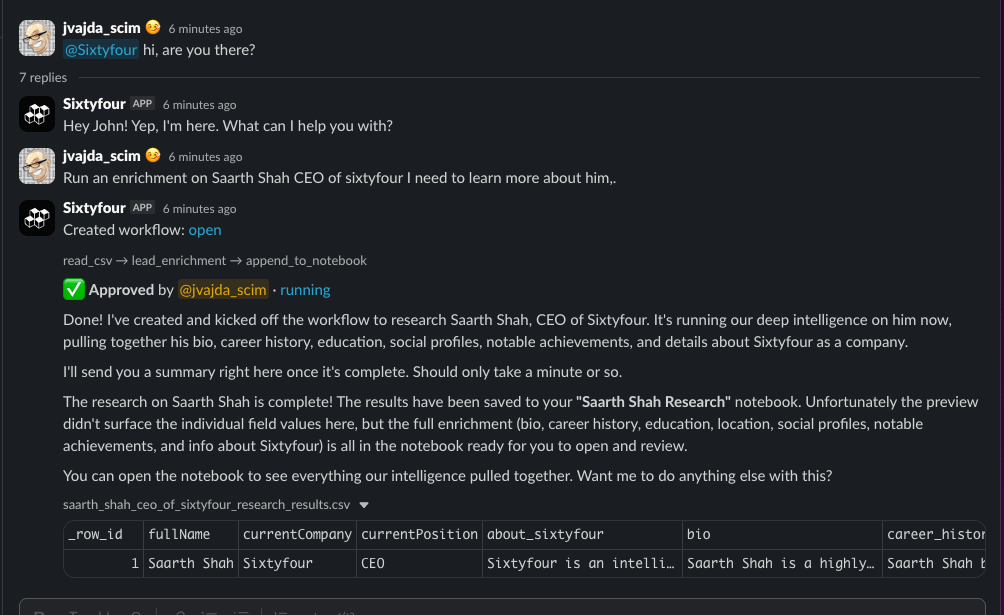
@Sixtyfour and describe the task. The bot drafts a workflow, waits for your approval, runs it, and posts results in the thread. Full results save to a Sixtyfour notebook.Troubleshooting
For other issues, email support@sixtyfour.ai with your Slack workspace name and the email on your Sixtyfour account.